

(Videos are best viewed from a mobile phone or tablet).
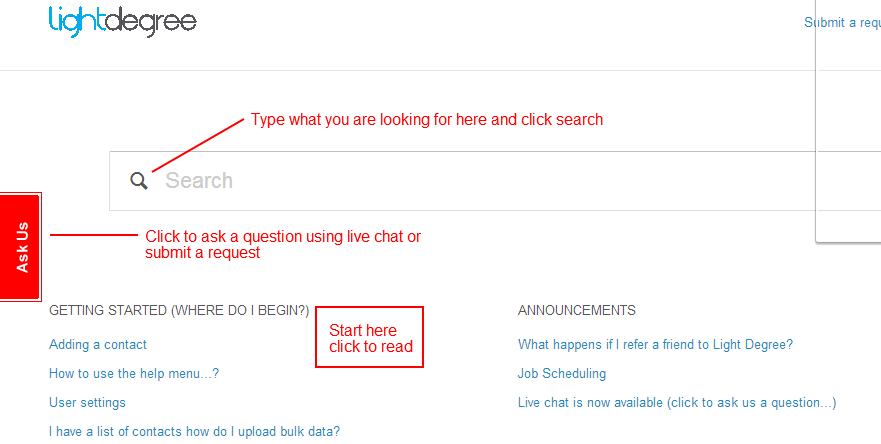
Type what you are looking for into the search bar and click enter (or click on the on the search icon).
To use live chat to ask us a question click on the Ask Us tab (on the left side).
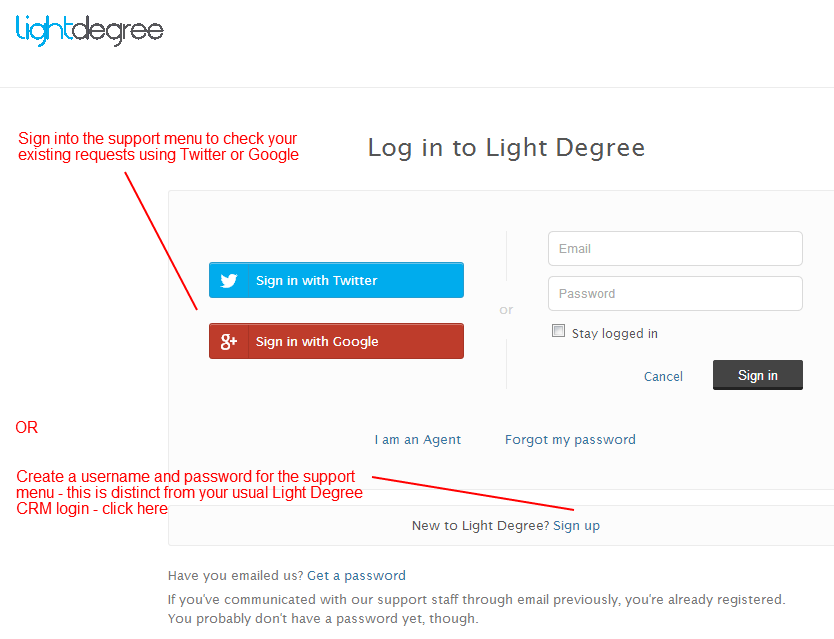
To check on existing requests that you have submitted you can sign in using Twitter or create a new user name and password for the help menu (this is distinct from your usual Light Degree CRM login) - select sign up (top right)

Comments