
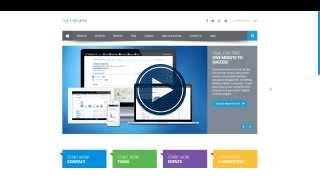
We recommend that you go to the Light Degree website and select the login icon www.lightdegree.com.
Alternatively you can manually enter https://my.lightdegree.com//login/. You could save this page as a favourite in your browser to make it easier to find next time you are ready to login.
The very best method (and the easiest) of logging in is to use either your Google or Linkedin social login. If you have not already set this up go settings (click on your name to select settings), select the social login tab and choose to connect your account with Google and / or Linkedin.


Now to login all you have to do is click on the logo and click to sign in!

Comments